Shoppers

Real shoppers first. Bring your customers or plug in a research panel.

Every study needs real shoppers, and TestCart AI gives you three ways to fill it, all on a laptop browser with nothing to install.

  • Your own shoppers

    Available now

  • A research panel

    Available now

  • Simulated shoppers

    Available now

One store walk

Same consent, task and quality check for every shopper

Three ways to fill a study.

Study landing · shared link
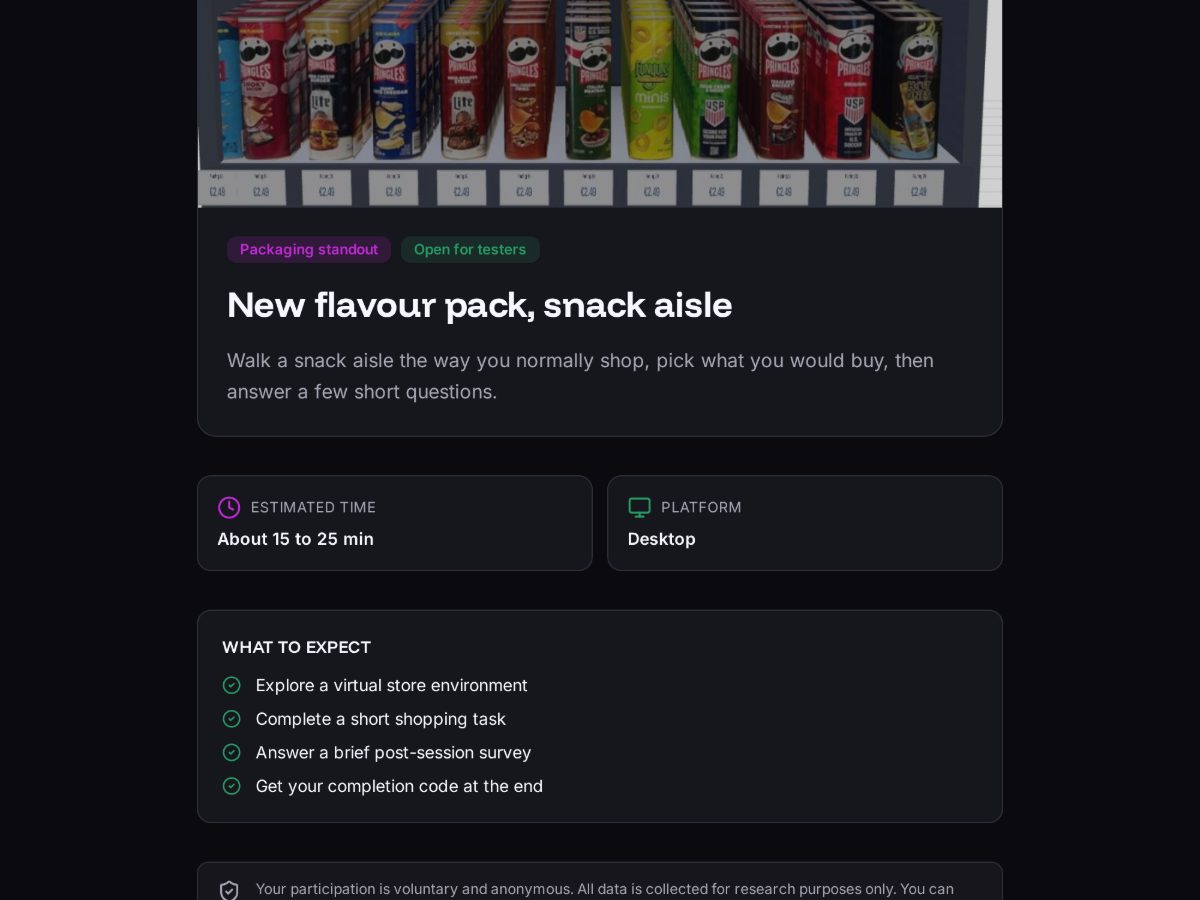
Public study landing page a shopper sees after opening the study link, with the study name, expected time and what to expect

Your own shoppers

Available now

Share the study link with your customers, a CRM list or your own customer panel. They open it on a laptop, give consent and walk the store.

Setup
Share a link
Best for
Your own customers or customer panel
Time to first visit
Same day
Visit complete · completion code and return link
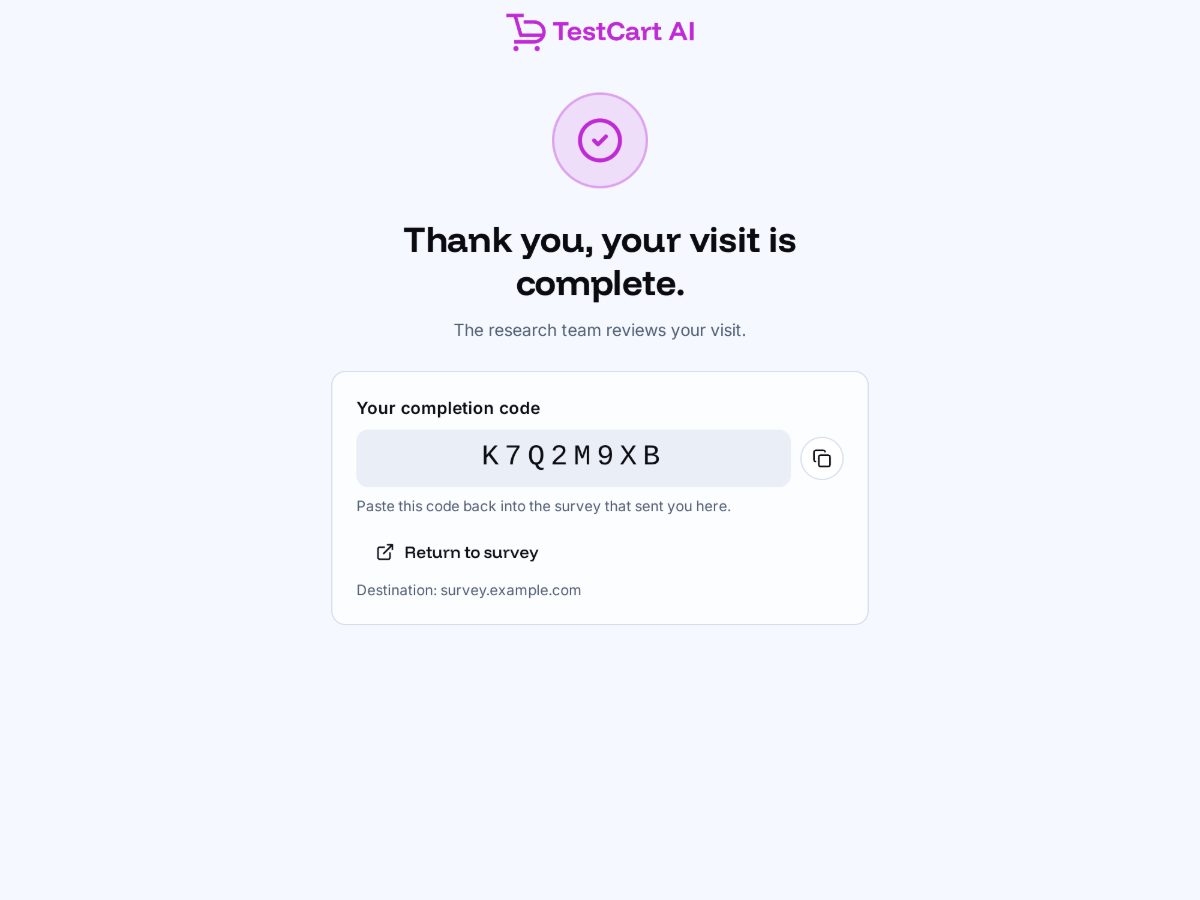
End of visit screen showing the completion code and a return to survey button

A research panel

Available now

Recruit through Prolific, run by TestCart AI, or send the study link from your own panel or survey tool: Cint, Dynata, Toluna, PureSpectrum, Qualtrics, Forsta, SurveyMonkey or any tool with an external link. Panel ID in, completion code and return link out.

Setup
Pick the panel at launch and copy the entry link
Best for
A fresh audience, or studies you already field with a panel
Data
Behaviour lands in TestCart AI keyed to the panel ID
Results · Simulate beyond your shoppers
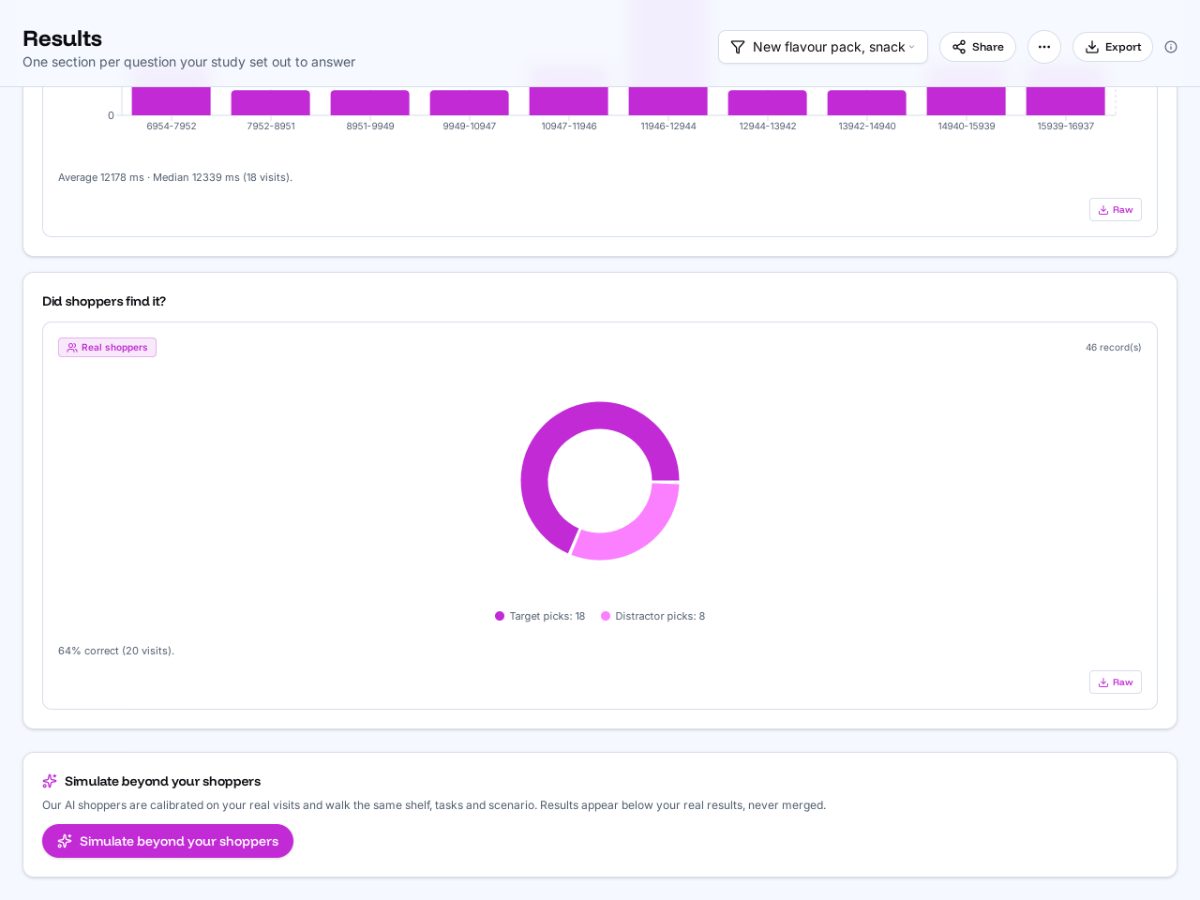
Results page card offering to simulate beyond your shoppers once the real visits are in

Simulated shoppers

Available now

Once a version has 20 real visits, simulated shoppers built from the audience you define extend the study. Reported in a separate stream, never blended, labelled directional.

Setup
One click on the Results page
Unlocks at
20 real visits per version
Reported
Separately from real shoppers, always
Panel and survey link

How a panel link works.

A standard link out and back, the pattern every survey platform already supports.

  1. 1

    Your panel or survey

    Panel ID out

    • Build the study in TestCart AI
    • Copy the panel entry link at launch
    • Drop it into your panel or questionnaire
  2. 2

    TestCart AI store walk

    Consent, walk, short survey

    • Respondents shop your shelf on a laptop
  3. 3

    Back to your panel

    Completion code in

    • Behaviour matched to each panel ID
Every route, one standard

What every shopper goes through.

Whoever sends them, the process is the same, keeping results from different sources comparable.

  1. 01

    Consent first

    Eye tracking is a separate opt-in

  2. 02

    Laptop only

    Phones are turned away

  3. 03

    A real shopping task

    No hints on where to look

  4. 04

    Survey after the walk

    Questions never prime behaviour

  5. 05

    Quality check

    Before the report and any reward

Get started

Tell us who should walk your shelf.

Bring your customer list or your panel, or recruit through Prolific with us. We set up the first study with you.

We use analytics cookies to see which pages help. No ads, no tracking across sites. Privacy